Key Takeaways
ESU Period 2 ends in October 2026. After that, Exchange Server 2016/2019 and Skype for Business Server 2015/2019 will no longer receive security updates from Microsoft.
Migration starts with understanding your current environment. Audit your data, users, integrations, dependencies, and deployment requirements before choosing a replacement.
Compare long-term costs and requirements, not just license prices. Consider infrastructure, administration, security, support, and additional collaboration tools as part of your 3-to-5-year TCO.
Migration is also an opportunity to simplify your collaboration stack. Instead of replacing legacy products one by one, consider whether email, chat, meetings, files, and documents can be consolidated into a single platform.
What Actually Happens in October 2026?
ESU Period 2 is the final stage of Microsoft's Extended Security Update program for these legacy servers. It provides security updates for eligible organizations during the transition period, but does not restore general technical support, bug fixes, or new functionality.
Standard support for Exchange Server 2016 & 2019, Skype for Business Server 2015 & 2019 has ended in October 2025. The ESU period 2 end date is through-ought October 2026.
Your existing servers will not suddenly stop working when ESU coverage ends. However, newly discovered vulnerabilities will no longer receive security patches from Microsoft, and compatibility with newer operating systems, client applications, and surrounding infrastructure will become increasingly difficult to maintain.
Your Exchange and Skype for Business Exit Checklist
Before choosing a replacement, you need a clear picture of your current environment, its dependencies, and the requirements your next platform needs to meet.
1. Audit Your Current Environment
Start by mapping the data, users, and services that will be affected by the migration.
Exchange: User and shared mailboxes, mailbox sizes, calendars, contacts, distribution groups, public folders, mail-flow rules, archives, and resource mailboxes.
Skype for Business: Active accounts, message histories, meeting workflows, and SIP or PSTN integrations.
2. Identify System Dependencies
Exchange and Skype for Business rarely operate in isolation. Map the systems and services that depend on them, including CRM and ERP platforms, SMTP relays, printers and scanners, identity services, backup and archiving tools, security systems, mobile devices, and telephony infrastructure.
3. Define Your Deployment Requirements
Determine where your communication services and data need to run and how much control you need over the underlying infrastructure. Public cloud may be the simplest choice for some organizations, while others may require private cloud, on-premises, or hybrid deployment due to security, compliance, data sovereignty, or operational requirements.
4. Compare the 3-to-5-Year TCO
Look beyond the headline license or subscription price. Compare the total cost of software, subscriptions, infrastructure, administration, support, security, backup, archiving, migration, and any additional collaboration tools your organization requires.
5. Right-Size Your Collaboration Requirements
Audit which features employees actually use: email, calendars, contacts, chat, meetings, document editing, file sharing, mobile access, archiving, and security or compliance functionality.
Rather than replacing Exchange and Skype for Business feature by feature, consider whether a more consolidated platform could provide the capabilities your teams actually need.
6. Plan, Pilot, and Migrate
Once you have selected your new platform, test it with a representative group of users. Validate mail flow, calendars, permissions, mobile access, integrations, and communication workflows before planning the full migration, including identity management, DNS and MX changes, backups, rollback procedures, and user communication.
Decommission the legacy infrastructure only after your data, dependencies, and workflows have been verified in the new environment.
Don't Just Upgrade. Reconsider the Stack
End-of-life migrations are often treated as routine IT maintenance, with an outdated product simply replaced by its direct successor. But if you are already planning a major migration, it is worth asking a broader question: Would you build the same collaboration stack today?
Many organizations have accumulated separate tools for email, chat, meetings, file storage, and document editing over time. Each can add another subscription, admin interface, and integration to manage.
Instead of replacing legacy products one by one, consider whether the migration is also an opportunity to consolidate these services into a simpler collaboration environment.
One Unified Workspace: The IceWarp Alternative
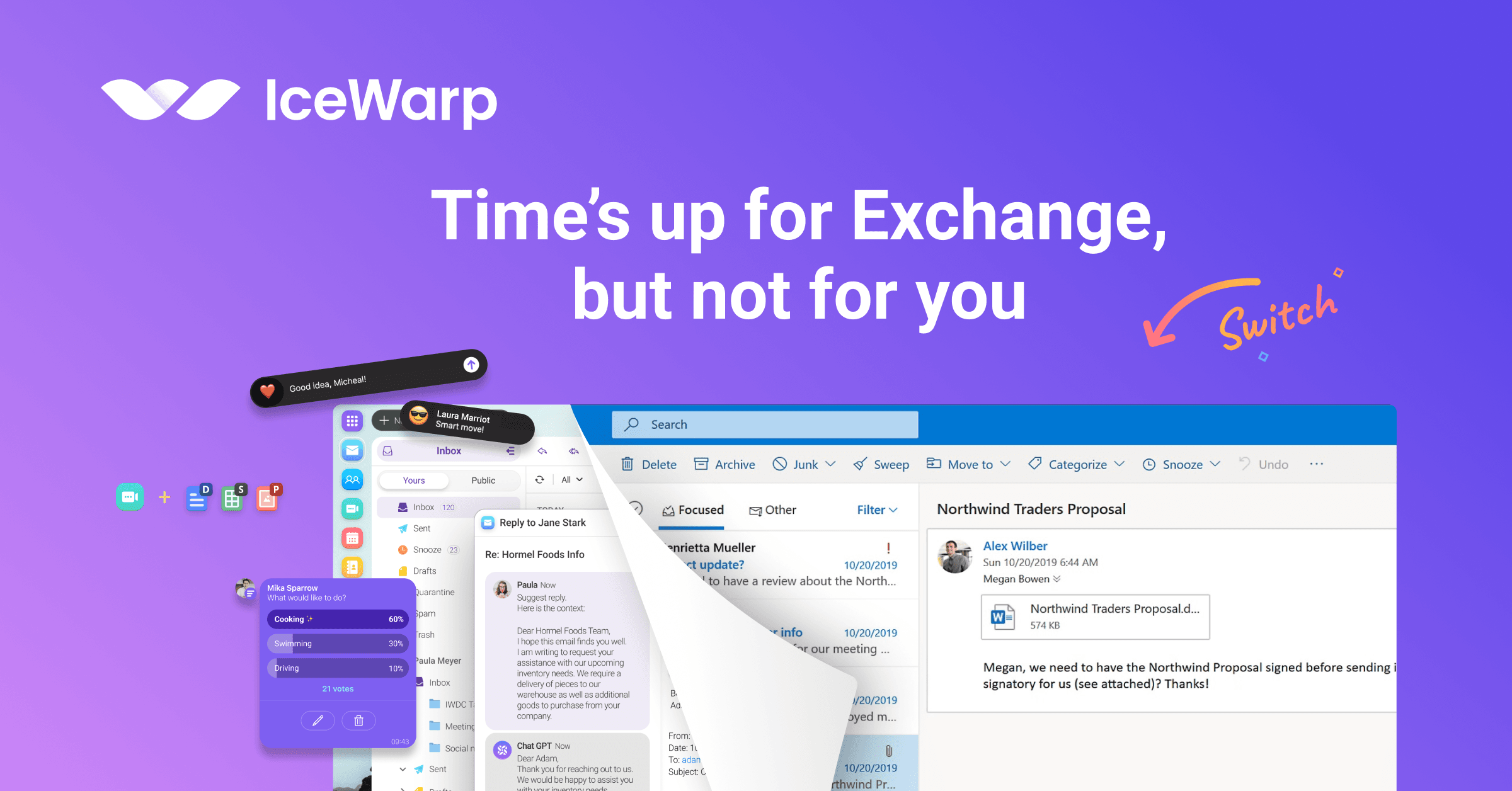
For organizations looking beyond Microsoft's Subscription Editions or cloud services, IceWarp provides another path forward. It brings the core communication and collaboration tools that teams use every day into one integrated platform.
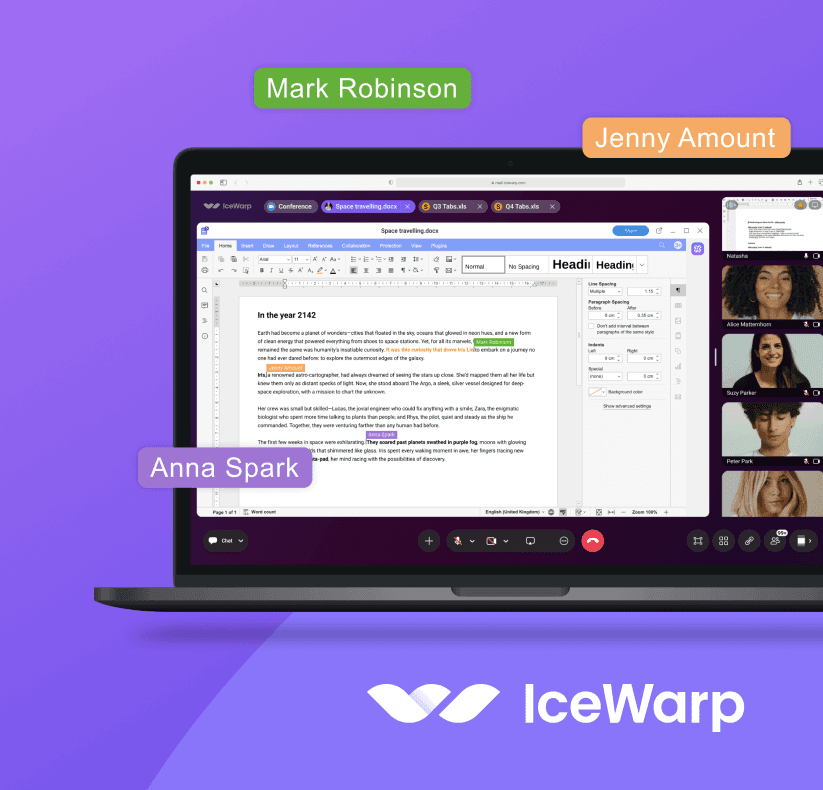
One platform: Business email, shared calendars, TeamChat, online meetings, file storage, document collaboration, and AI assistance combined in a single workspace.
Deployment flexibility: Choose between Public Cloud, Private Cloud, On-Premises, or Hybrid deployment based on your infrastructure, security, and data sovereignty requirements.
Simpler administration: Consolidate communication and collaboration tools to reduce the number of separate applications, vendor subscriptions, and administrative portals your IT team manages.
Seamless Exchange migration: Native migration utilities simplify transferring mailboxes, calendars, contacts, and historical data from legacy Exchange environments to IceWarp.
Plan Your Next Move Beyond Exchange
The end of ESU coverage sets a clear deadline, but your migration strategy should look beyond simply swapping out Exchange or Skype for Business. It is an opportunity to decide how many applications your team wants to manage, where your collaboration platform should run, and how much control you retain over your data and infrastructure.
Ready to move beyond legacy Exchange and Skype for Business? Explore IceWarp and find the deployment model that fits your organization.
Frequently Asked Questions (FAQ)
When does ESU support for Exchange Server 2016 and 2019 end?
Microsoft's final ESU Period 2 for Exchange Server 2016 and 2019 runs through October 2026. Microsoft has stated that there will be no further extension after Period 2.
When does ESU support for Skype for Business Server 2015 and 2019 end?
The final ESU Period 2 for Skype for Business Server 2015 and 2019 also runs through October 2026. After it ends, these legacy versions will no longer receive security updates from Microsoft.
Will Exchange Server and Skype for Business stop working after October 2026?
No. Existing servers will continue to operate, but they will no longer receive security updates from Microsoft. Over time, organizations may also face increasing compatibility and maintenance challenges.
What can replace Exchange Server and Skype for Business?
Organizations can replace Exchange and Skype for Business with a unified collaboration platform that combines business email, calendars, team chat, online meetings, file sharing, and document collaboration.
Can IceWarp replace Exchange and Skype for Business?
IceWarp combines business email, calendars, TeamChat, online meetings, file storage, and document collaboration in one platform. It supports Public Cloud, Private Cloud, On-Premises, and Hybrid deployment, making it an alternative for organizations looking to consolidate their legacy communication and collaboration stack.