Then comes the MFA prompt. Then the VPN. Then another login inside the company system. By the time they open their email, they’re already frustrated, distracted, and behind.
This is security fatigue. And in many organizations, it’s becoming one of the biggest vulnerabilities in modern IT.
When Security Fights the User
Most employees don’t wake up thinking about how to bypass security policies. They just want to get their work done. But when security creates too much friction, humans start looking for shortcuts.
- If a secure action is slower, harder, or less intuitive than an insecure one, users will choose the path of least resistance:
- If logging in takes too long, passwords get written on sticky notes.
- If official file-sharing is blocked or clunky, people send documents through personal email.
If the secure corporate chat is too slow, teams quietly migrate project discussions to WhatsApp.
None of this comes from malicious intent. It’s a natural response to friction, and it creates a thriving workaround economy, better known as Shadow IT. By implementing overly restrictive rules, IT departments don’t actually eliminate risk; they just push it into the dark, where they have zero visibility.
Security Theater and the Complexity Trap
Companies keep piling on rules because, on an audit checklist, it looks like progress. Over time, organizations accumulate identity providers, MFA prompts, endpoint protection, and DLP tools. Individually, each layer makes sense. But together, they create a system so complex that users experience cognitive overload.
This often leads to security theater—highly visible measures that annoy users without meaningfully reducing risk. For example, forcing 90-day password changes just leads to predictable patterns (Password1! becomes Password2!). Overloading users with constant MFA prompts trains them to blindly click "Approve" without reading.
Effective security isn’t about how many rules you have. It’s about whether those rules actually change behavior in the right direction.
The Human Factor Isn’t the Weakest Link—Design Is
It’s common to hear that “users are the weakest link in security.” That framing completely misses the point, because a good security system works with human behavior, not against it.
Most security failures are not caused by careless users. They are caused by systems that assume perfect behavior under imperfect conditions. People are busy. They are under pressure. They are multitasking.
When users bypass security, it’s rarely a failure of discipline. It is a failure of design. And the industry is slowly realizing a hard truth: You cannot secure a system that people hate using.
What Better Security Actually Looks Like
Reducing security fatigue doesn’t mean lowering standards. It means redesigning how security is delivered. A few core principles consistently make a difference:
1. Reduce friction (make the secure way the easy way)
Stop forcing users to memorize complex strings of characters. Embrace Single Sign-On (SSO) and passwordless tech (like biometrics or authenticator apps) so users aren't constantly interrupted by logins.
2. Focus on context, not blanket rules
Not every action carries the same level of risk. Instead of prompting for MFA every single time a user opens an app, use contextual rules. Only interrupt them if they are logging in from a new device, a strange location, or at an unusual hour.
3. Consolidate your stack
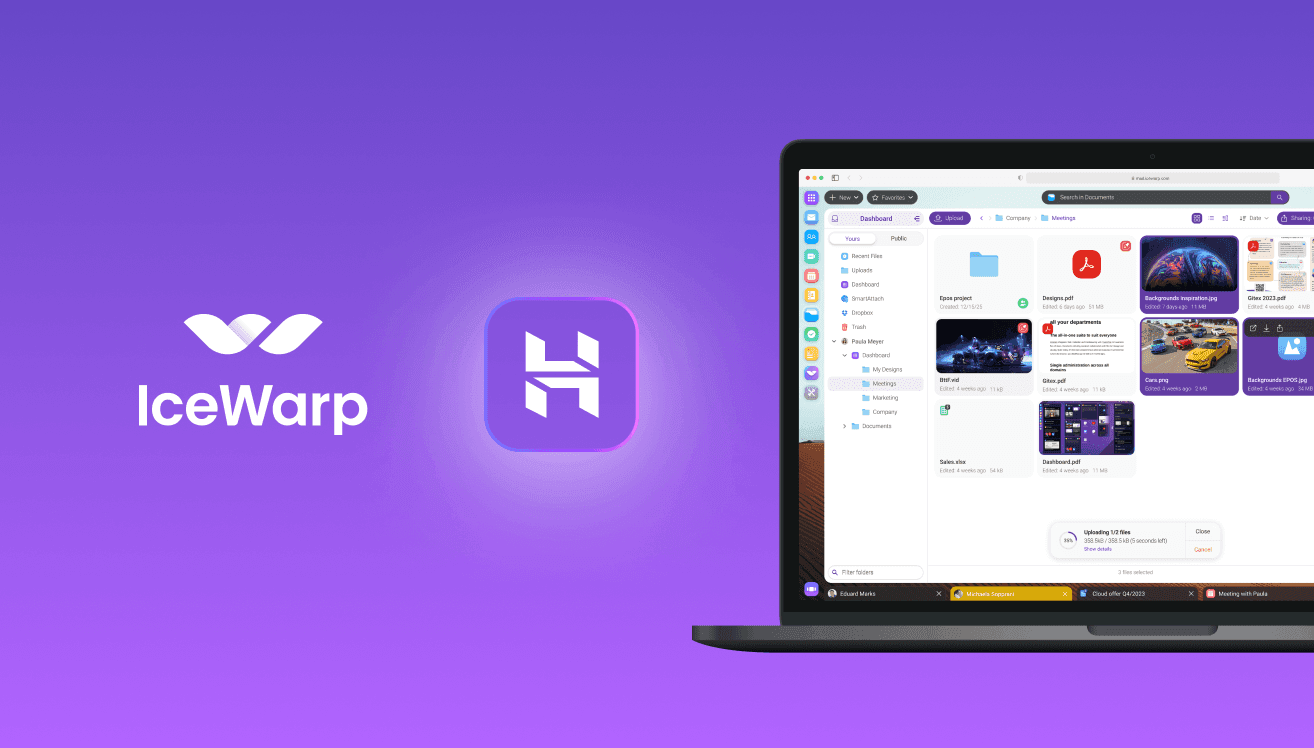
Forcing users to jump between five disconnected apps for email, chat, documents, and video calls increases the surface area for security fatigue. Integrated platforms keep users in one secure ecosystem without the constant context-switching.
4. Design for real behavior
Assume users will be in a hurry, make mistakes, and choose convenience. Build unobtrusive guardrails that protect them anyway.
Security That Works in the Background
The most effective security measures are often the ones people don't notice. They don’t interrupt workflows. They don’t require constant decisions. They don’t rely on perfect user behavior.
The shift forward is not about tightening controls even further. It’s about building systems where secure behavior is the default, and users are no longer forced to choose between productivity and safety.
Because in the end, the strongest security isn’t the one with the most rules. It’s the one people actually follow. Ready to reduce security fatigue? Contact us.